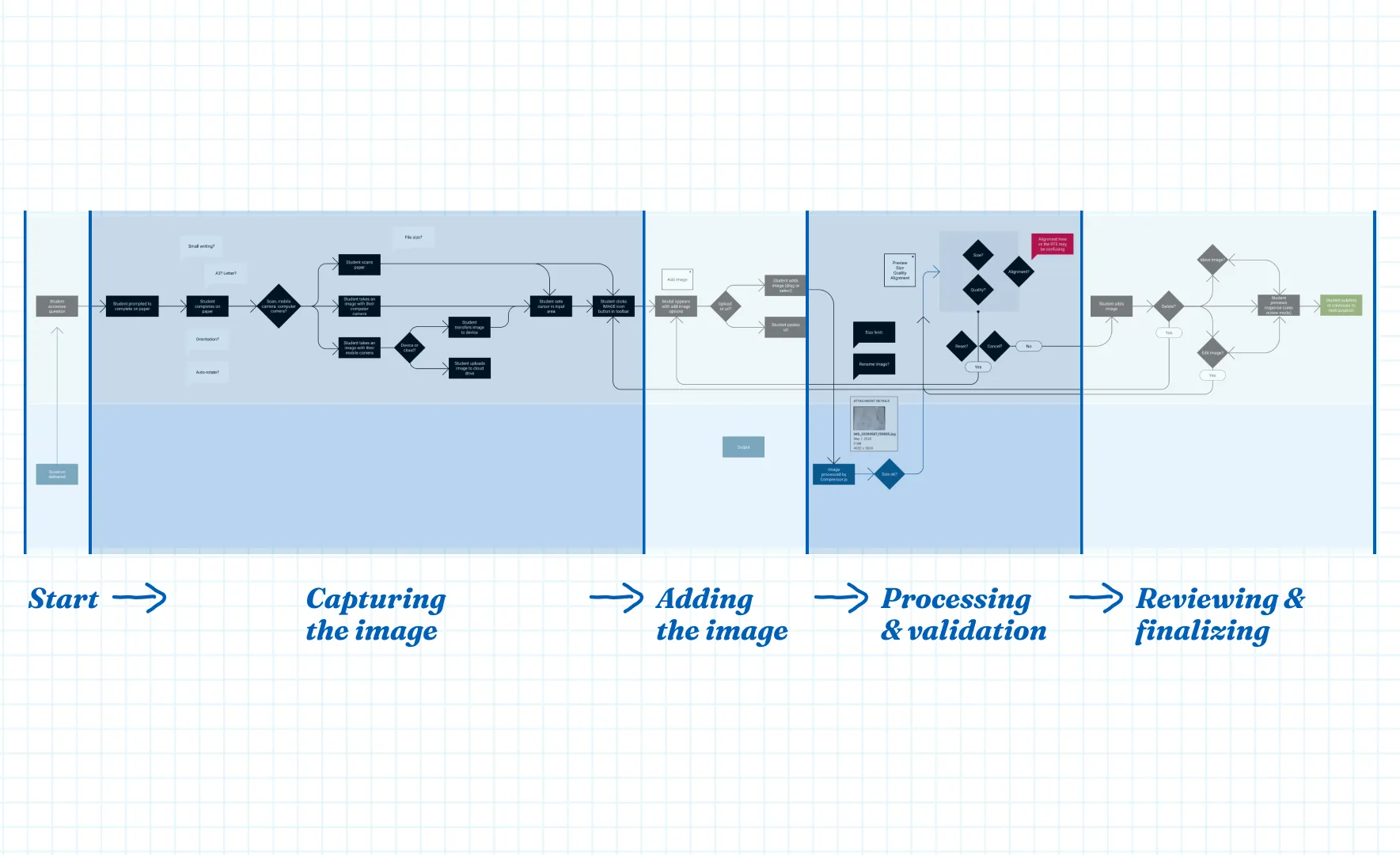
Learnosity is a set of embeddable APIs that power assessments for over 14.8M monthly users across the world’s leading learning platforms and publishers. The Learnosity Console is a self-service tool that lets account admins manage their settings and users.
The problem
The create-user flow had a quiet failure mode. Required steps weren’t clearly marked, so admins would miss one without realizing it. The system didn’t flag the gap either, so the admin would carry on as normal and send login details to the new user. When that user tried to log in, they’d hit a generic error with no way to tell what had gone wrong. They’d contact the admin, who often didn’t know either, and the ticket would land with our support team to untangle.
It happened often enough, and touched enough different user types, that the product team prioritized it as the highest-impact, most feasible fix in a larger review of user management problems.
My role
I was the lead designer on this project: reviewing the existing research, brainstorming the problem space with the product team, running design exploration and wireframing, and prototyping and testing the solution.
The solution
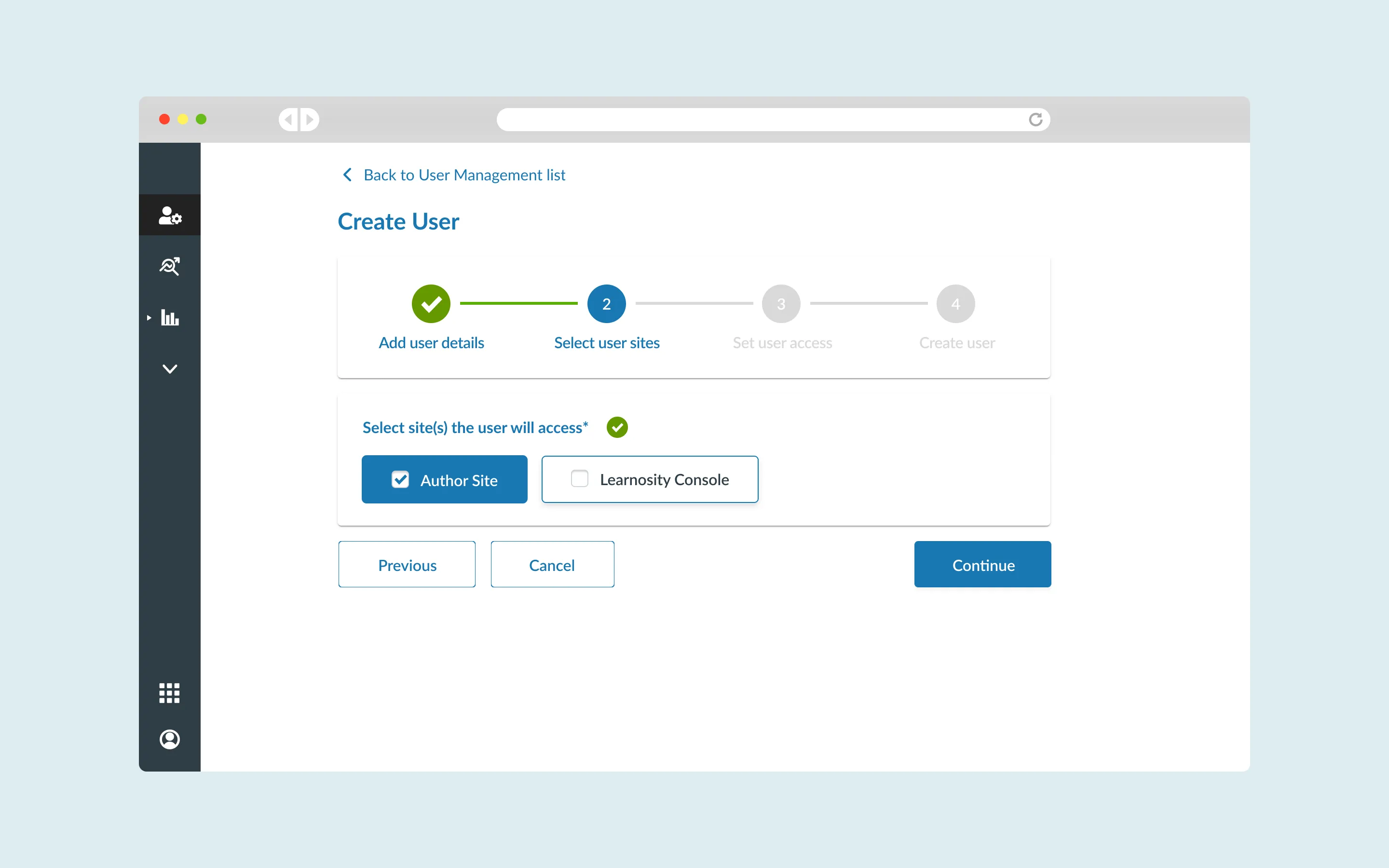
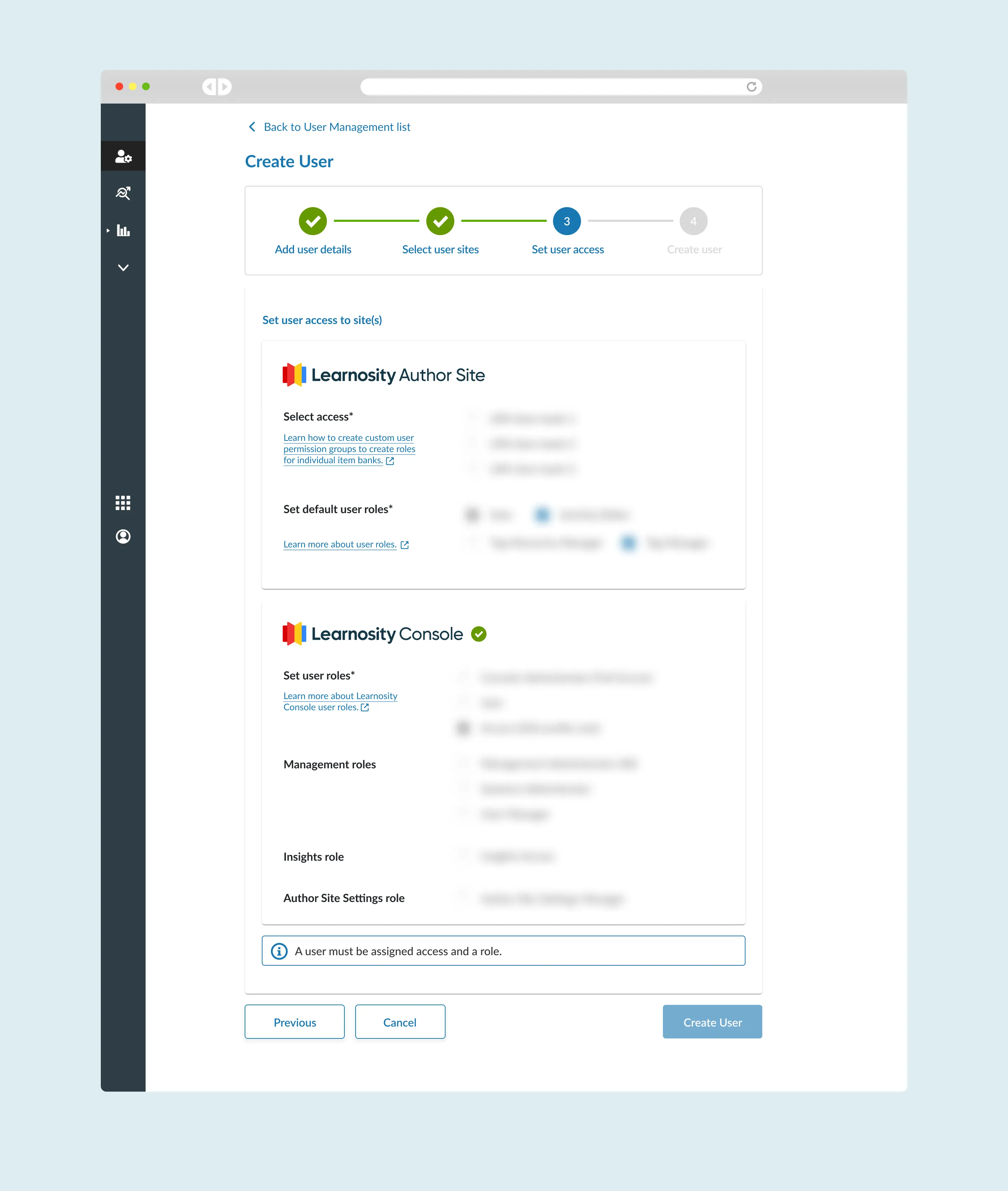
I redesigned the create-user flow as a progress stepper, breaking the process into four sequential stages: user information, app permissions, role assignment, and confirmation. Instead of one long form where a required field could slip past unnoticed, the admin now moves through discrete steps and can see exactly where they are and what’s left before the new user can log in.
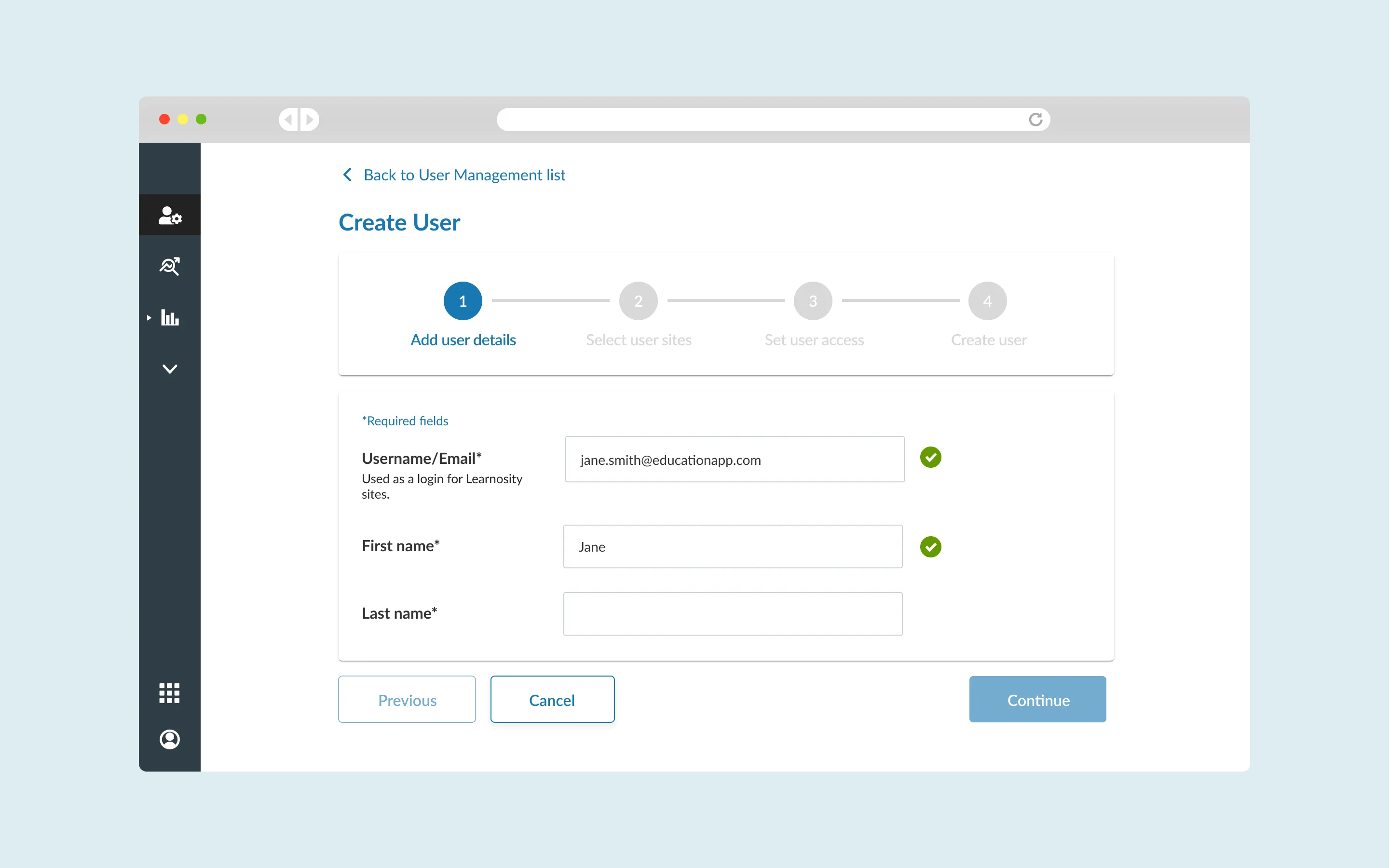
Key Improvements
The permissions step was one of the places admins most often skipped something without meaning to, so it prompts them to actively consider what access they’re granting before moving on, rather than letting it default through.
Impact
The redesign reduced missed steps, cut support tickets tied to user creation, and improved completion rates for the flow overall. When it shipped, a power user sent unprompted feedback:
“I like the improvements you made to the user management area in authoring! I was just setting up a new user! Thanks so much.”
Learnings and reflections
This was a good example of a product team taking a larger epic and finding the one piece worth doing first. The create-user task looked small on paper, but it touched a lot of users on the customer’s side and generated real work for our support team. Solving it well meant the fix was worth more than its size suggested.